
- Overview
- Features
- Exercises
- System Requirements
- Licenses and Pricing
EarMaster Makes You a Better Musician
The Complete app for ear training, sight-singing practice, and rhythm training
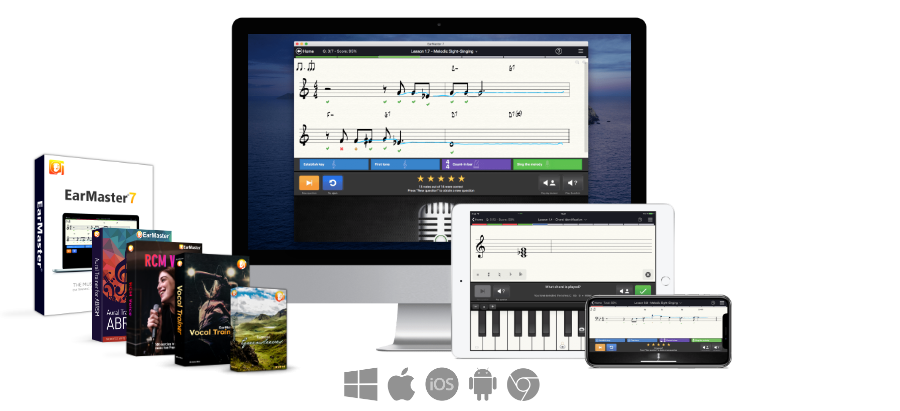
Available on Windows, Mac, iOS, Android and Chromebook
Ready to boost your musical skills?
If you think you have tried ear training apps before, think again! EarMaster offers unmatched levels of interactivity with voice and clap recognition, MIDI input, sounds sampled form real instruments, well-strucutred courses developed by renowned music theory and ear training teachers, and so much more!
That's why it's being used at some of the best schools worldwide. Here are some highlights:
4000 exercises for all levels
Ear Training, Sight-Singing, and Rhythm workshops
Vocal Trainer with 200 exercises for singers, including vocalizes, scale singing, interval singing, and more
Aural Trainer for ABRSM with everything you need to succeed at your ABRSM Aural Tests 1-5
RCM Voice course to prepare for RCM Voice exams from Preparatory Level to Level 8
Call of the Notes course for call-response ear training
Detailed statistics to monitor your progress
Customize the exercises to practice the way you want
We think it's the best, but don't take our word for it...
Thousands of music teachers, hobby musicians and music students are using EarMaster to train their aural skills. Like Abdallah Harati, a Brazilian guitarist and label manager who has been using EarMaster for years:
Stop being a GOOD musician. Become an EXCELLENT musican!
Ear training is the key to better musicianship. You can have great technical skills, know your scales by heart, understand all the harmonic rules, and so on. And that's great, no doubt! But without good aural skills, there's one final step that you won't be able to reach. To get better aural skills, you need to train your ears. And one of the most efficient method for that is EarMaster.
Used by thousands of schools in most countries for many years, EarMaster is a serious and reliable practice tool. It will help you improve your aural skills and reach a whole new level of musicianship. Because the difference between a good musician and an excellent one is almost always a well-trained ear.
Who is EarMaster made for?
Music students who need to practice for ear training and sight-singing exams
Professional musicians & hobbyists who want to keep their musical ear in top shape
Music teachers, schools and choirs looking for an easy-to-use, reliable app to teach ear training and sight-singing at most levels
The ultimate app for ear training, sight-singing and rhythm training
EarMaster if for musicians of all skill levels playing any type of instrument. Regardless of your current level, EarMaster offers you exciting exercises and training workshops that will take your musical skills to the next level and make you a better musician. Try it, it's not only effective but also a lot of fun to use!
2500 exercises for all levels
Just follow the guide
EarMaster includes more than 2500 lessons arranged in complete courses and workshops to pace your training. The difficulty of the exercises will increase as you reach higher levels of musicianship.
Not only will you make solid progress with every new training session, but you will also experience how ear training and sight-singing practice can be motivating, entertaining and efficient!
EarMaster's exercises will train you to recognize, transcribe, read, sing and play:
- Intervals
- Chords
- Chord inversions
- Harmonic progressions and cadences
- Scales and modes
- Rhythms
- Melodies
Jazz Workshops
Discover Jazz harmony, Swing, and Lead Sheets
EarMaster has always given an important place to Jazz in its exercises, so if you want to get started with serious Jazz ear training, EarMaster is the way to go.
EarMaster's 9 Jazz Workshops include hundreds of exercises for sight-singing and ear training with special focus on Jazz and Blues. The lessons cover varied topics such as «Blues Scales and Blues Songs», «1920's American Swing Hits», «Ballads and Blues in Minor», «Novelty Songs and Rhythms», «Irish Ballads and Folk Music», «Fun with Irving Berlin», as well as a variety of Jazz and Blues classics like “After You've Gone”, “St. James Infirmary”, “Mandy”, “The Sheik of Arabia”, “At the Devil's Ball”, “Missouri Waltz” and many more.
The EarMaster Jazz Workshops also include exercises on jazz chords, jazz progressions and swing rhythms.
Customize everything
On-demand ear training and sight-singing
You need to practice with specific intervals, chords or scales in specific keys? Use a G-, F- or C-clef? Train sight-singing in specific scales? Sing solfege syllables? Do you need intense training setups with time limits to prepare for exams?
With EarMaster, all you need to do is select the Customized Exercise training mode and configure your custom training session with the hundreds of available options and combinations available.
Real-time microphone input
Sing, play or clap your answers with instant feedback on your pitch and rhythm
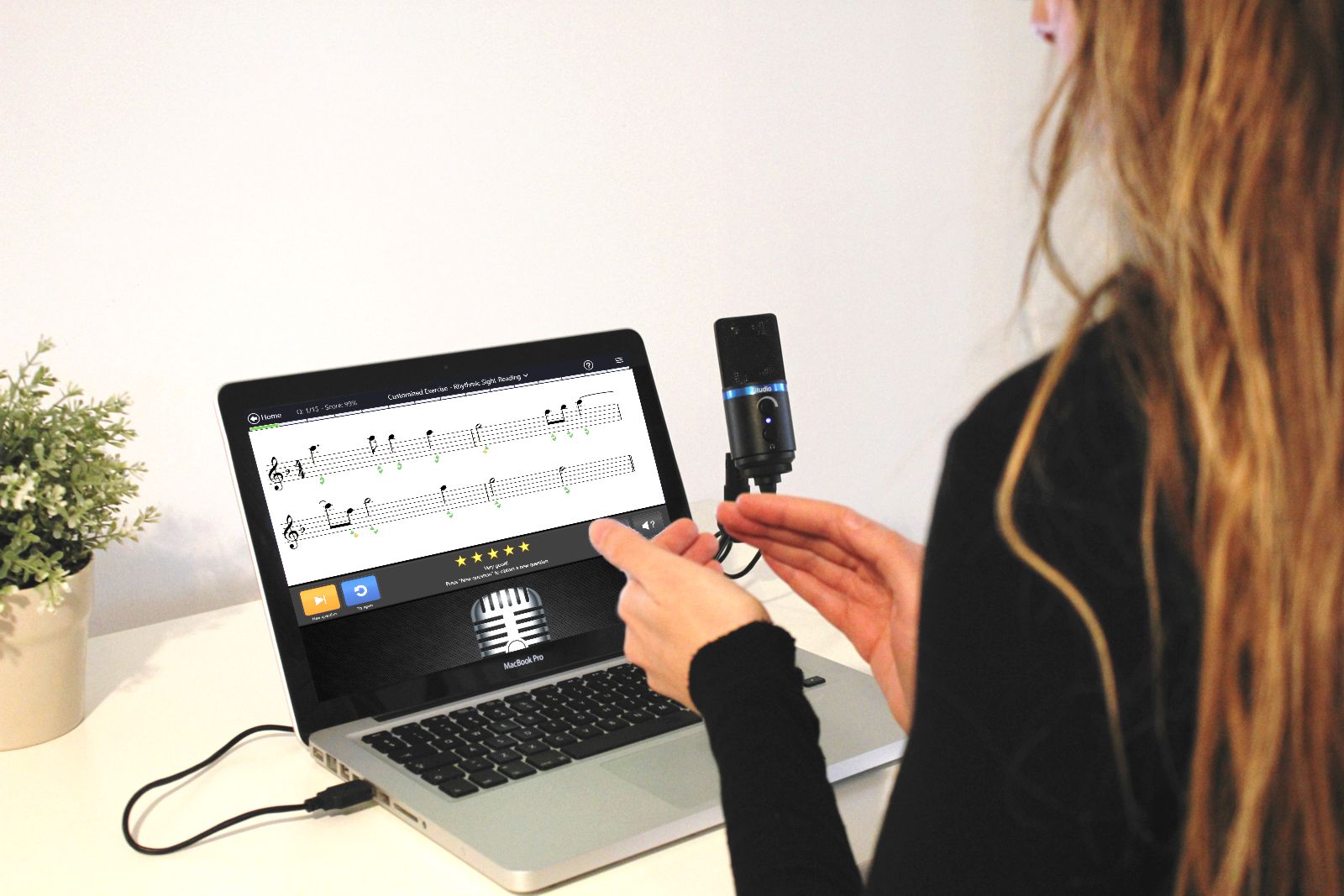
Most of the exercises can be used with a microphone to sing or clap your answers in real-time. For instance, the Melody Sing-back and Rhythm Clap-back exercises are exciting call-and-response activities where you are asked to sing or clap back what you hear. A curve or marks will be drawn on the notes as you sing or clap them, and EarMaster will tell you which ones were on pitch, on time, slightly off, or wrong. Try it, it's really fun!
On-screen instruments
Piano, Guitar, Bass, Violin, Cello, and more
You can choose between many visual interfaces to see and input notes in EarMaster: staff (single or double), piano, guitar, bass, violin, cello, mandolin, scale degrees, solfege syllables, or even multiple-choice buttons.
Adaptive questions
We put some A.I. into EarMaster
Another unique feature of EarMaster: Artificial Intelligence! EarMaster analyzes your performance and adapts the content of the exercises to your needs as you complete them. If you are doing really well, the lesson will stop early, if you are struggling a bit, it will be extended with additional questions to make sure that you fully grasp the current topic. Also if some specific scales, intervals or chords are causing you problems, EarMaster will try to play them more often than those that you already master.
Detailed statistics
Analyze your practice sessions
To help you monitor your progress and analyze your strengths and weaknesses, EarMaster offers a detailed statistics window where you will be able to review your results lesson by lesson, day after day. Should you identify things that demand extra training, you can easily configure each activity in Customized training mode to focus on the items of your choice.
Call-Response sessions
A classic "ear training ping-pong" exercise
EarMaster plays a melody or a rhythm, and you sing/clap it back instantly without delay. To do that, select the Melody Singback or the Rythm Clapback activity and set the "Auto New Question" exercise option to Always and 0 seconds. Try it, it's a lot of fun and extremely beneficial for your aural skills!
Functional Ear Training
Functions enable us to name notes by describing their purpose (or...function!) within the key instead of referring to a specific pitch. Each note has a specific function within a key. To describe that function, you can use numbers (scale degrees), you can use solfege syllables (Do-Re-Mi-Fa-So-La-Ti) - especially if you intend to sing the notes, or you can use describing terms (Tonic, Supertonic, Mediant, etc.). In EarMaster, you can do Functional Ear Training by activating the software's Functional Keyboard via Exercise Options-->Lower/Upper Instrument, and then by selecting the tone naming of your choice via the exercise option Tone Naming.
Music Library
Customize the content of the exercises
EarMaster includes a Music Library where all the intervals, chords, scales, progressions, and melodies used in the exercises are stored. As a user, you can enrich this library with your own custom items and use them in the Customized Exercise training mode.
Exercises available in EarMaster 7
EarMaster includes 14 music theory activities covering ear training, sight-singing and rhythm practice. They are the basis for the various courses and workshops that you will find in the application.
Intervals
Interval Comparison
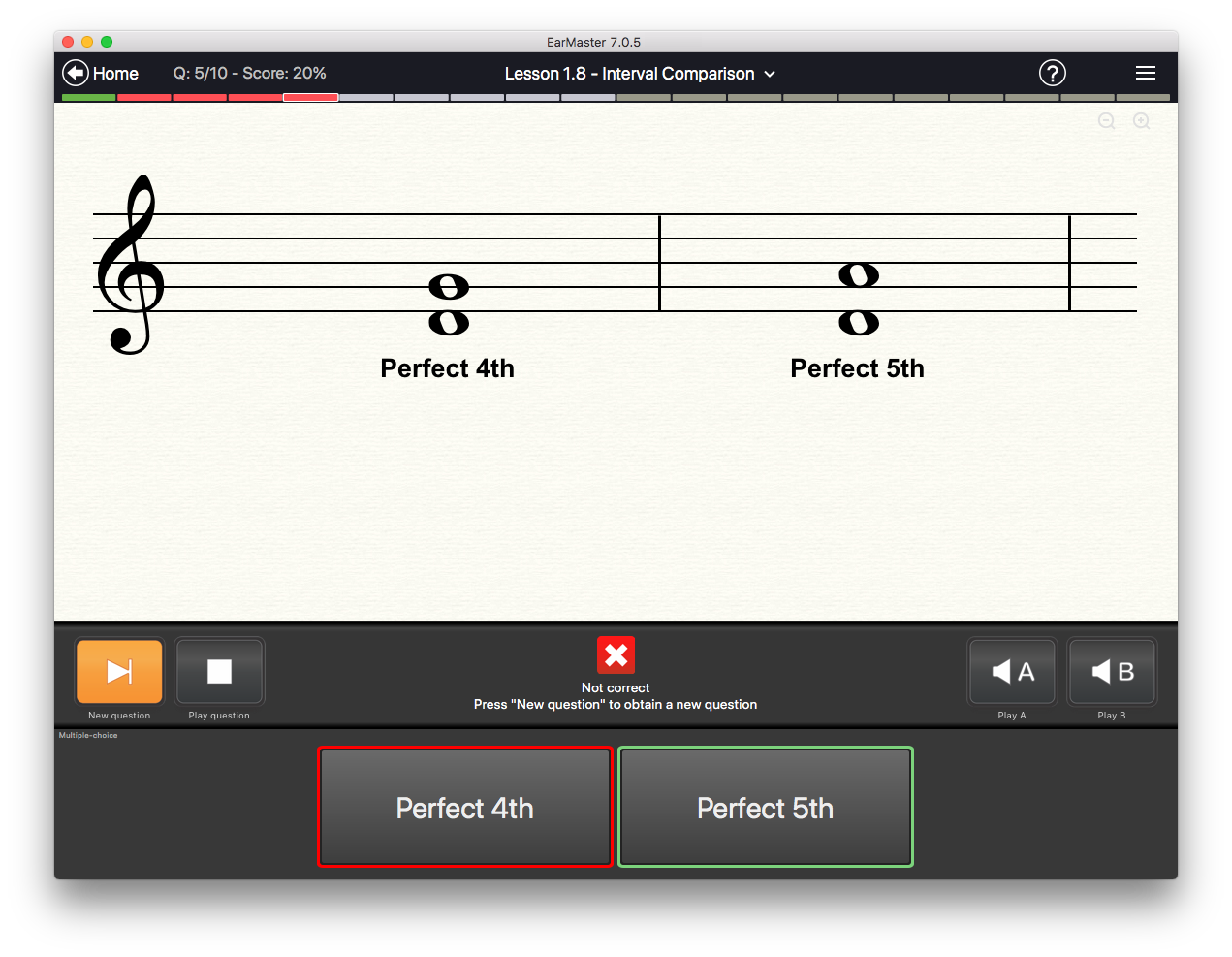
EarMaster plays two intervals: Interval A and interval B. You will have to identify the larger of the two.
An interval is the tonal distance between two notes. For example, the interval between the notes C and E (a Major 3rd) is larger than the interval between the notes C and D (a Major 2nd).
Interval Identification
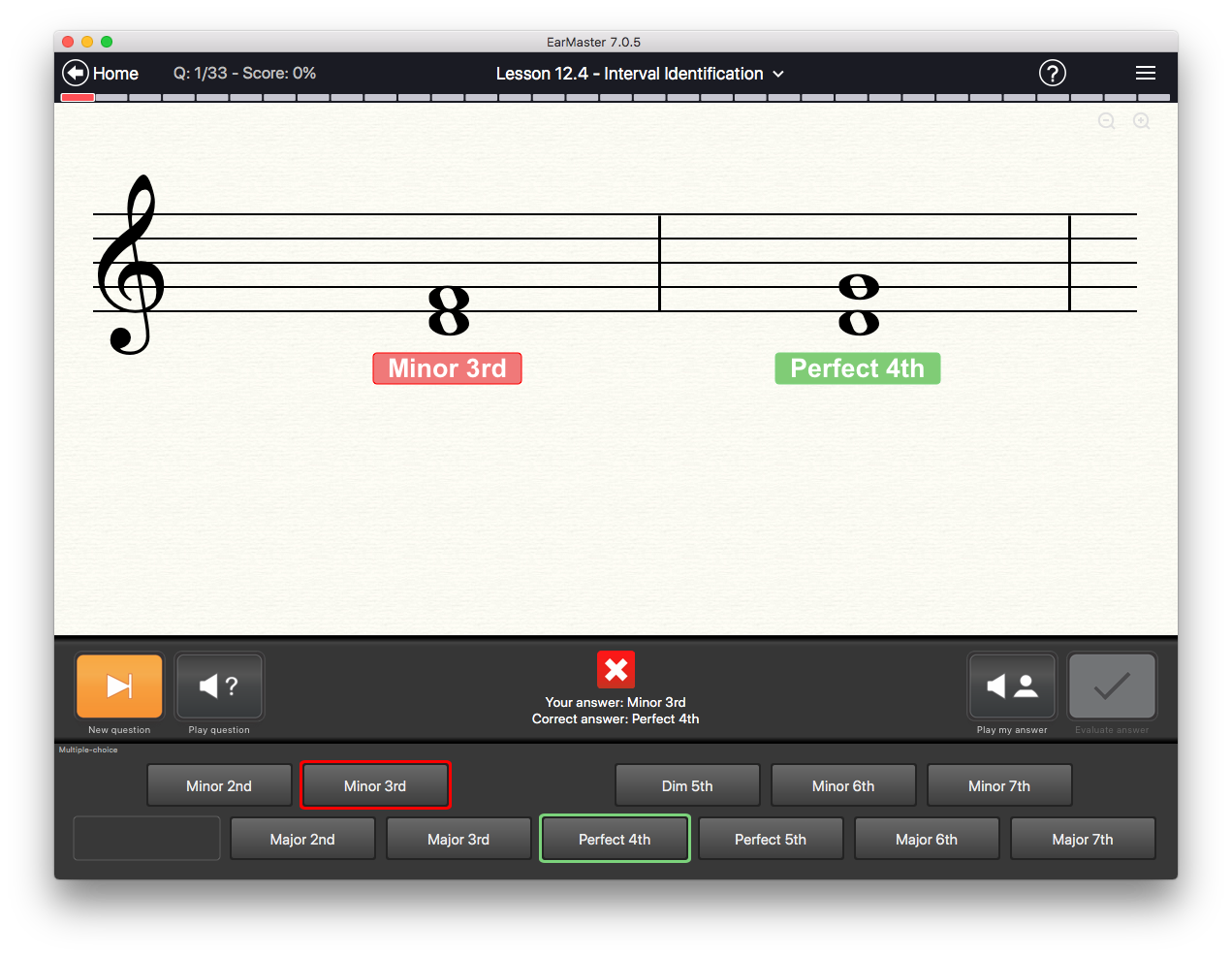
EarMaster plays an interval and asks you to identify it using multiple-choice buttons or the on-screen interface of your choice: staff, piano, guitar, bass, violin, solfege keyboard, and more.
Interval Singing
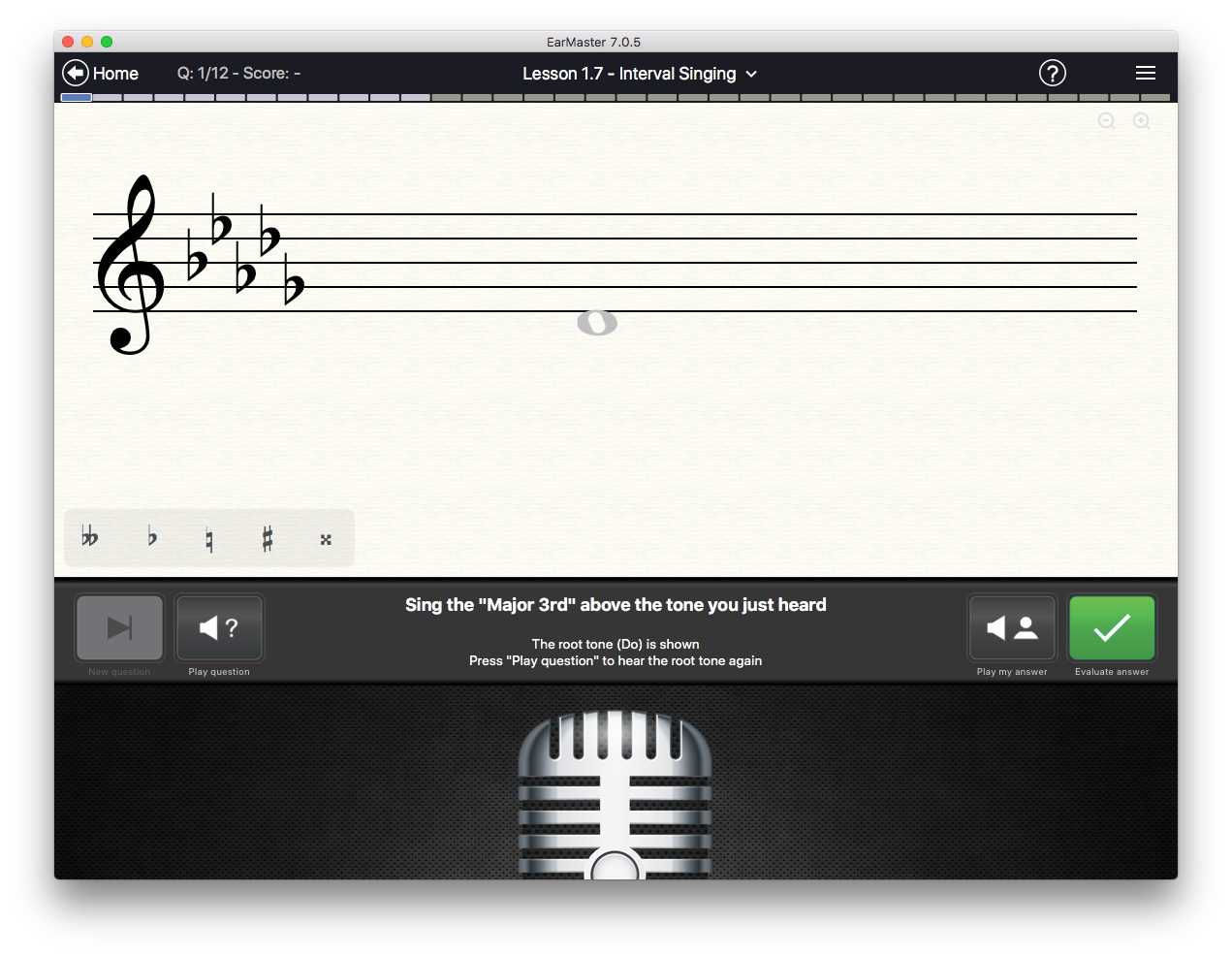
EarMaster plays a tone and asks you to sing an interval above or below it.
Example: The note D is played, and the following text is displayed in the top bar: “Sing the Perfect 5th above D.” You will then have to sing the perfect 5th above D, which is A.
Chords & Scales
Chord Identification
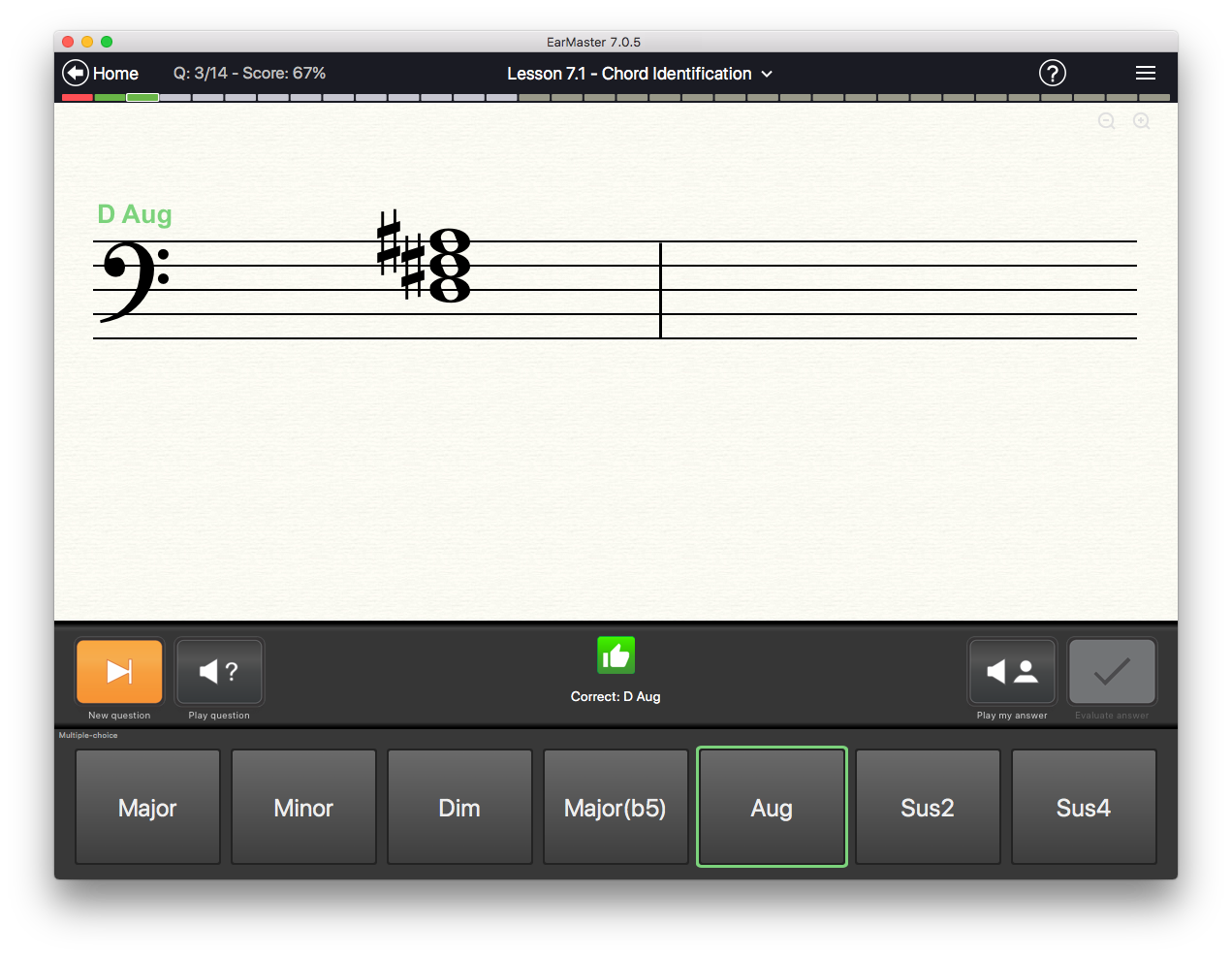
EarMaster plays a chord and asks you to identify it using multiple-choice buttons or the on-screen interface of your choice: staff, piano, guitar, bass, violin, solfege keyboard, and more.
Chord inversions
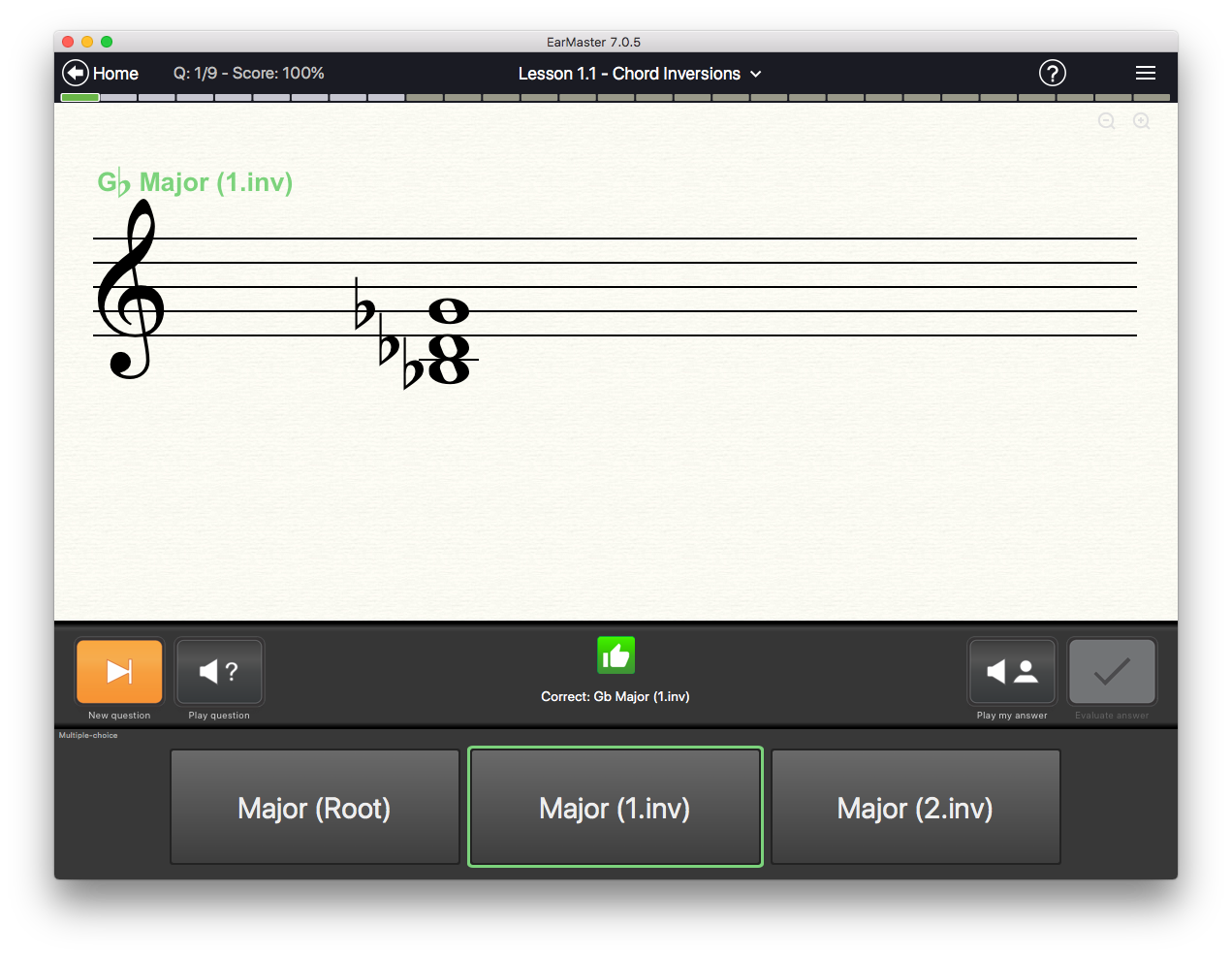
EarMaster plays a chord in inverted position and asks you to identify it using multiple-choice buttons or the on-screen interface of your choice: staff, piano, guitar, bass, violin, solfege keyboard, and more.
Chord Progressions
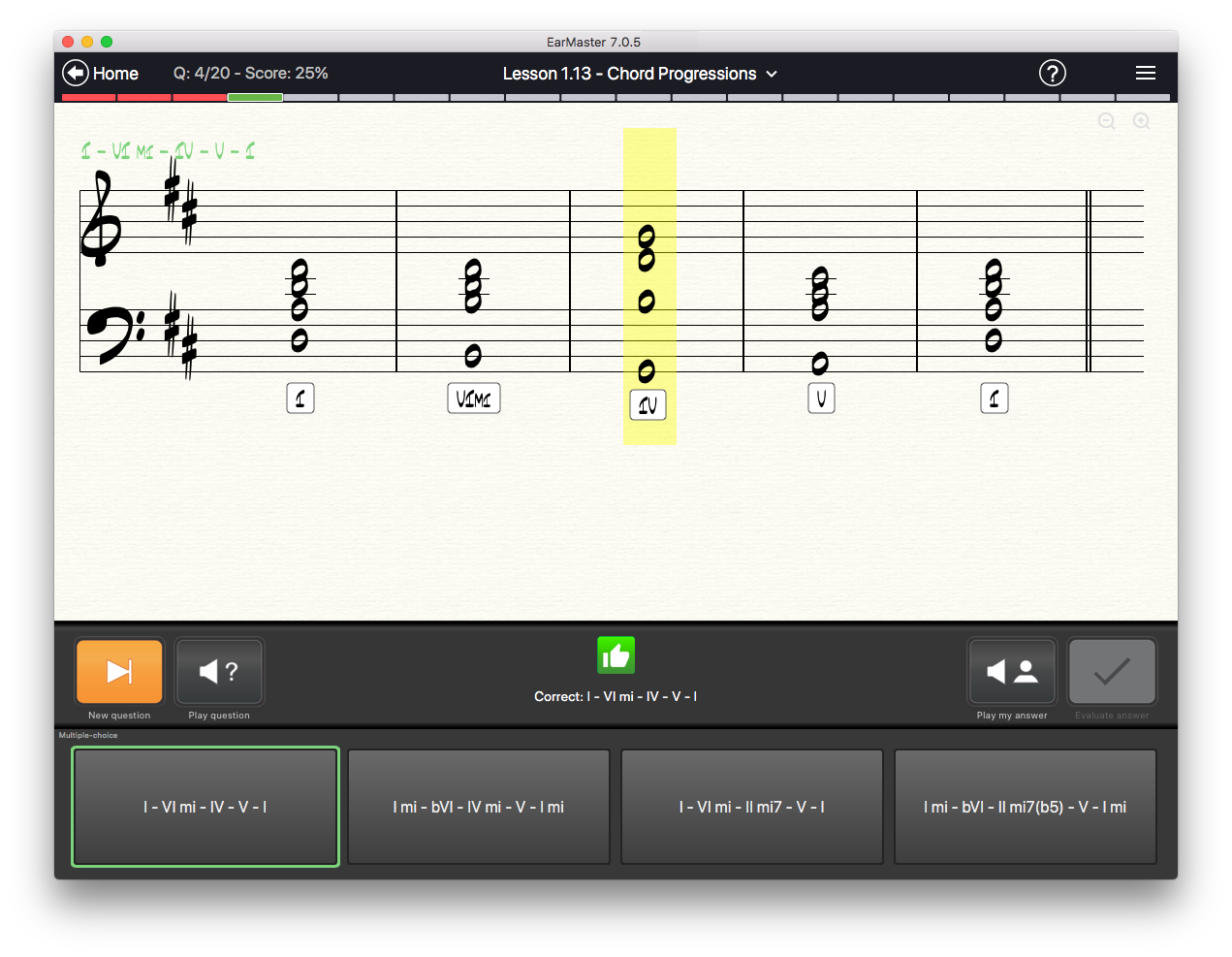
EarMaster plays a chord progression and asks you to identify it using multiple-choice buttons, or to specify the step (I, V, bIII etc.) and quality (Major, minor, 7, sus4, etc.) of each chord.
Scale Identification
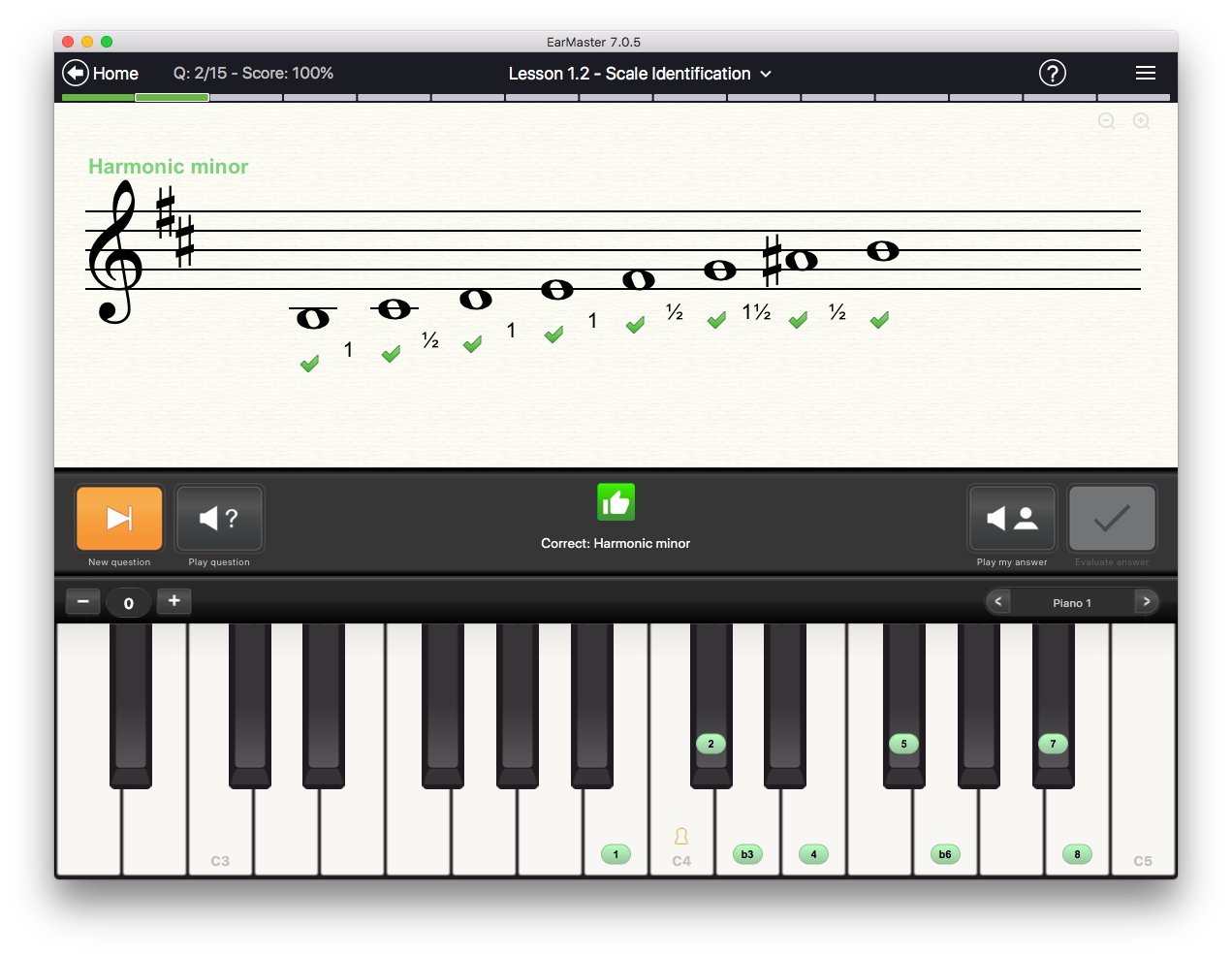
EarMaster plays a scale and asks you to identify it using multiple-choice buttons or the on-screen interface of your choice: staff, piano, guitar, bass, violin, solfege keyboard, and more.
Rhythm
Rhythmic Sight-Reading
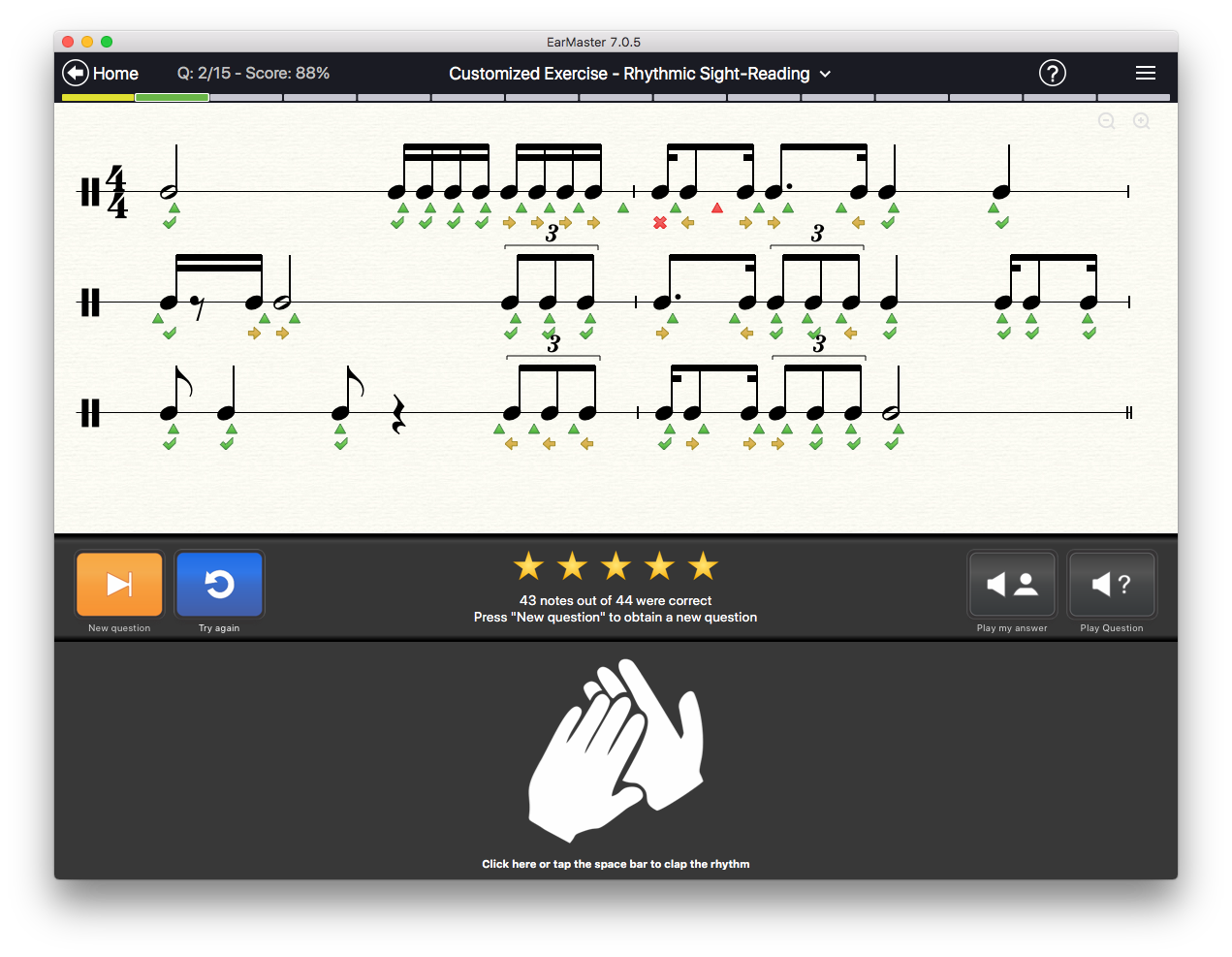
EarMaster shows you a rhythm notated on the staff, and asks you to clap it in sync with the metronome.
You can answer the exercises by clapping your hands in front of a microphone, by tapping on the space bar or the downward arrow of your computer keyboard, by playing on a MIDI instrument.
Rhythm Clapback
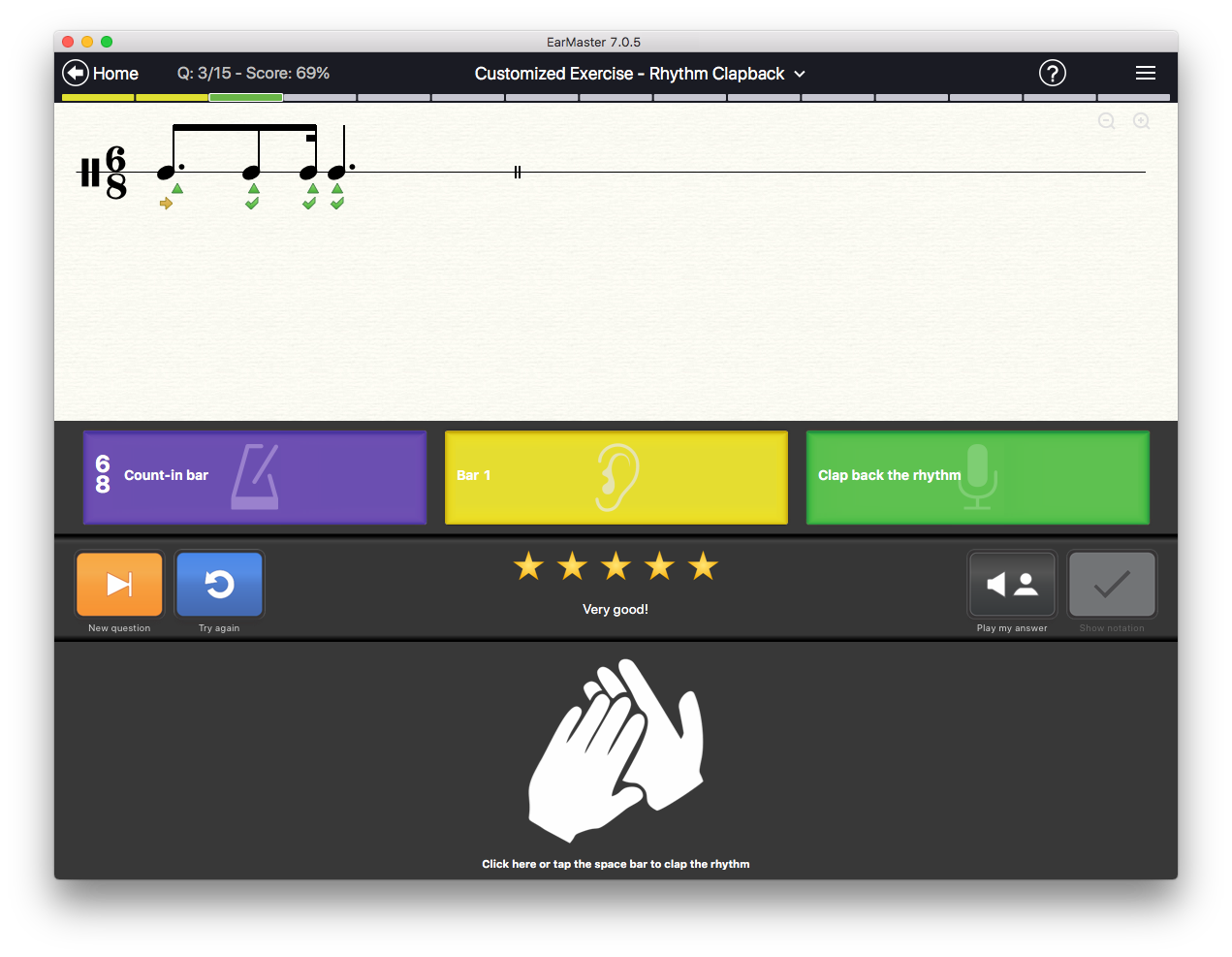
EarMaster plays a rhythm and asks you to clap it back in sync with the metronome.
You can answer the exercises by clapping your hands in front of a microphone, by tapping on the space bar or the downward arrow of your computer keyboard, by playing on a MIDI instrument.
Rhythm Error Detection
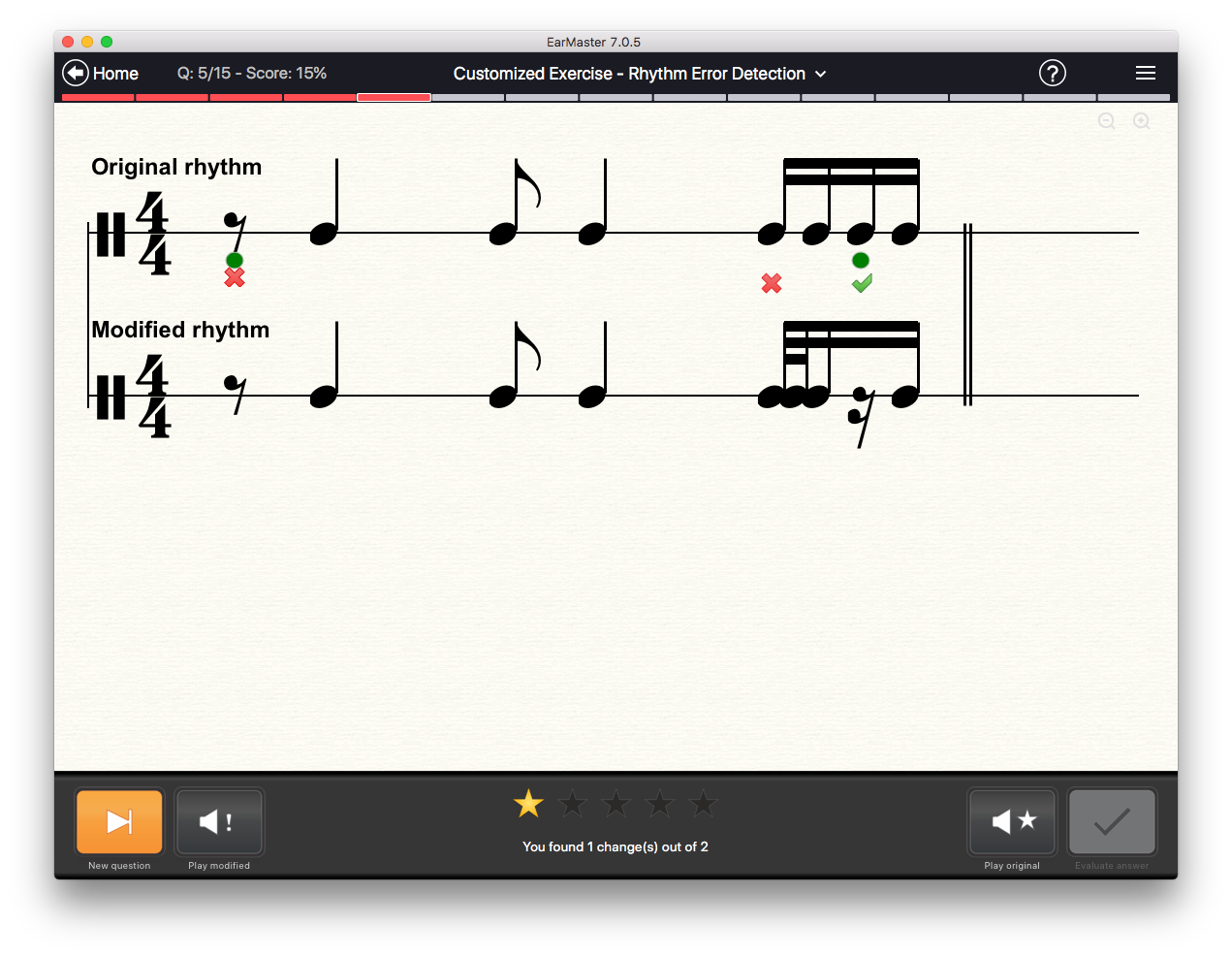
EarMaster shows you a rhythm notated on the staff, and then plays it with a few changes.
Your task is to identify these changes by marking the notes that are different from those you heard.
There can be two types of changes:
- A note has been removed
- A note has been divided into two notes
By using this detective-like activity, you will improve your ability to identify rhythmic variations.
Rhythmic Dictation
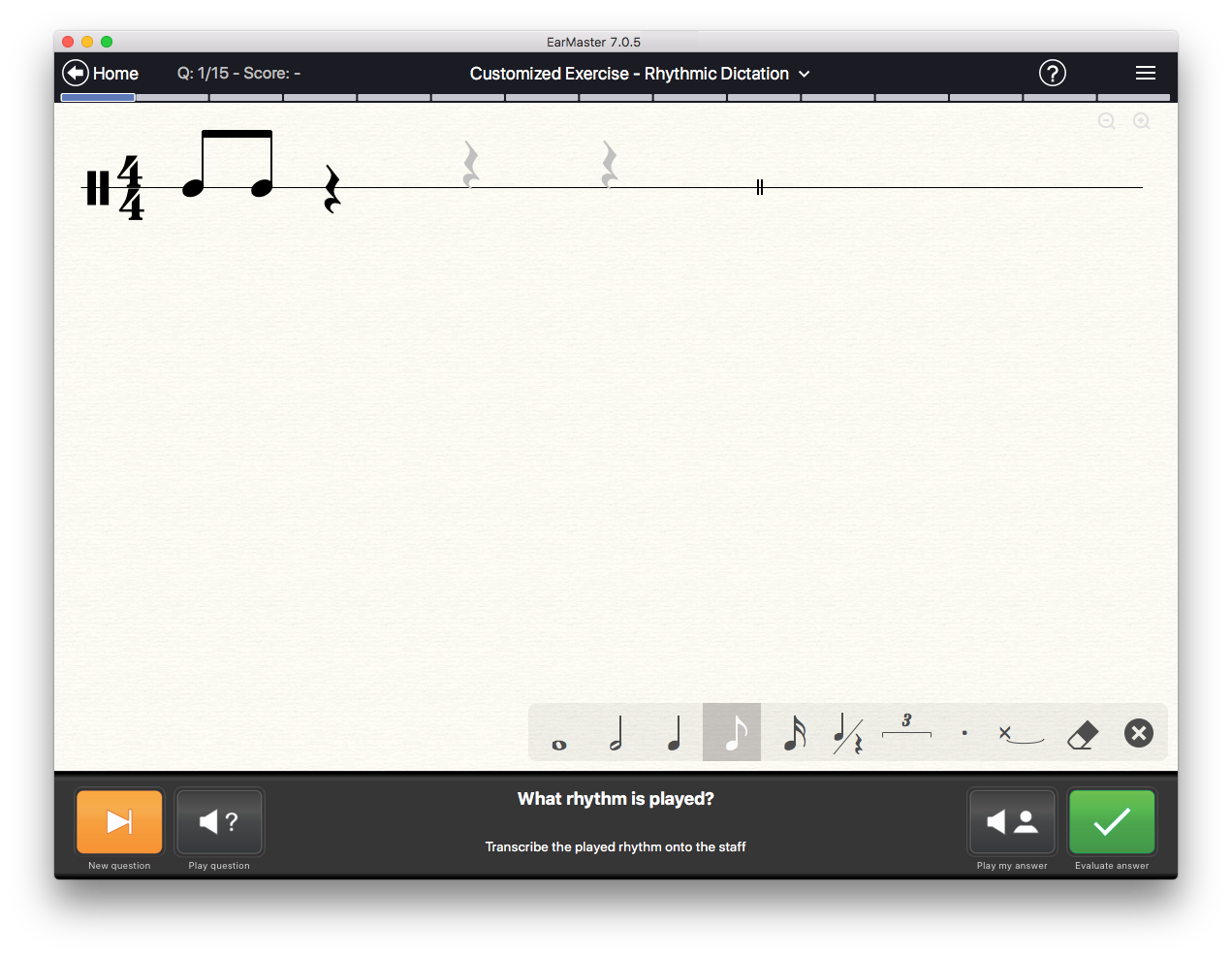
EarMaster plays a rhythm and asks you to transcribe it on an empty staff.
Melodies
Melodic Dictation
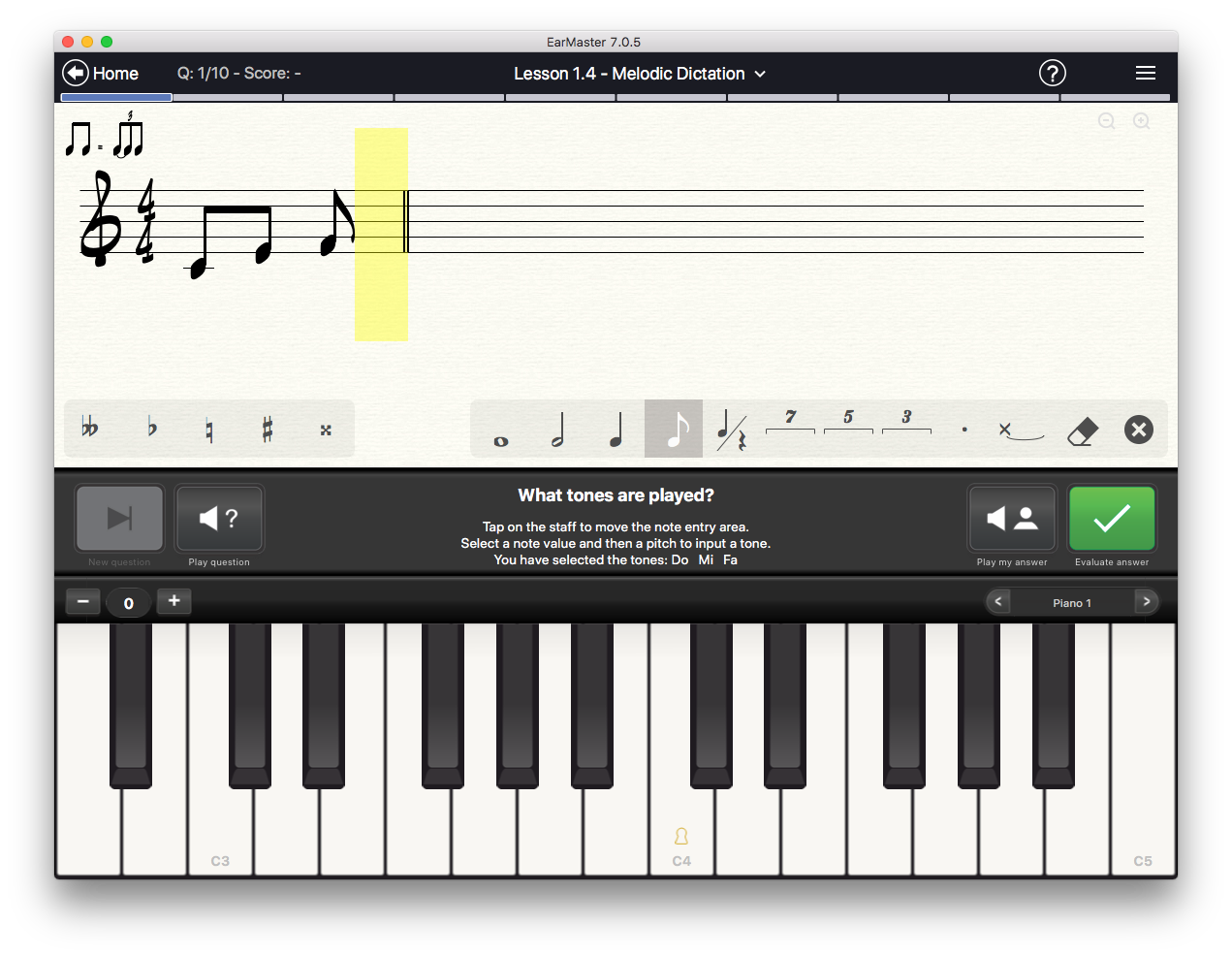
EarMaster plays a melodic phrase, and your task is to transcribe it on a musical staff. Depending on the lesson, the melodies are played isolated or with an accompaniment (chords or up to 4 melodic voices).
Melody Singback
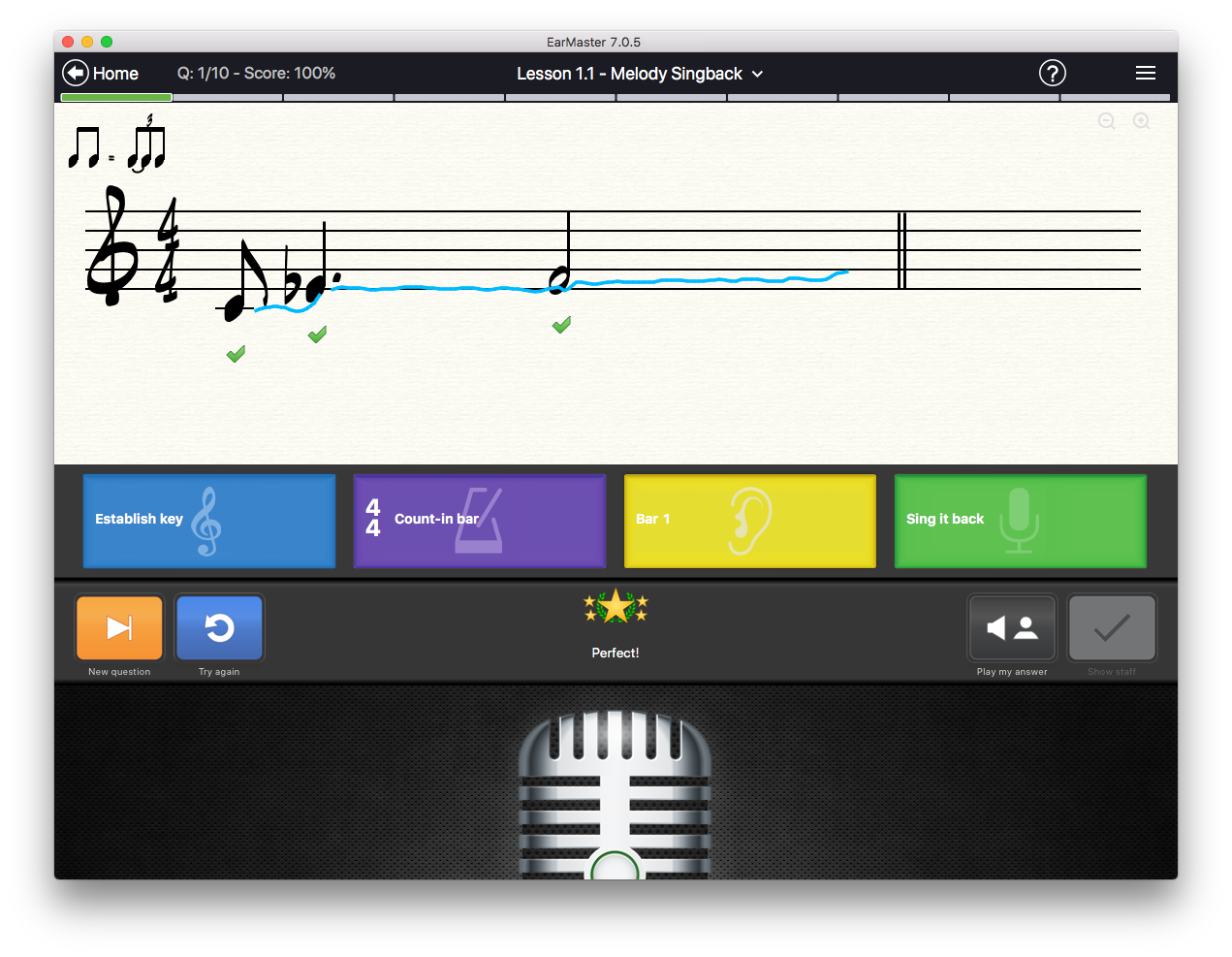
EarMaster plays a melodic phrase and asks you to sing it back in sync with the metronome.
You can answer the exercises by singing into a microphone, or by playing on a MIDI instrument.
Melodic Sight-Singing
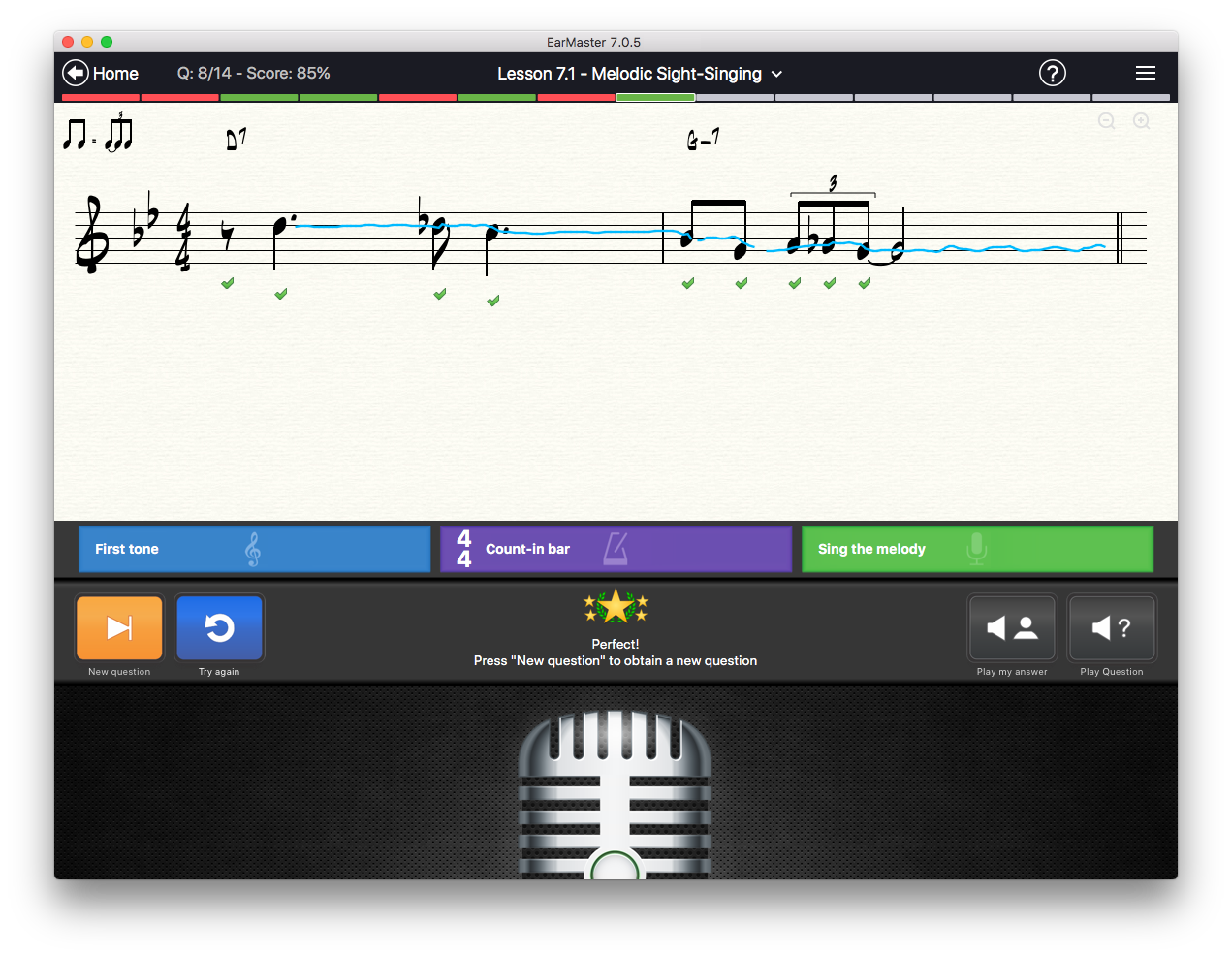
EarMaster displays a melodic phrase on the notation staff or as a list of solfege syllables, and asks you to sing it or play it in sync with the metronome.
You can answer the exercises by singing into a microphone, or by playing on a MIDI instrument.
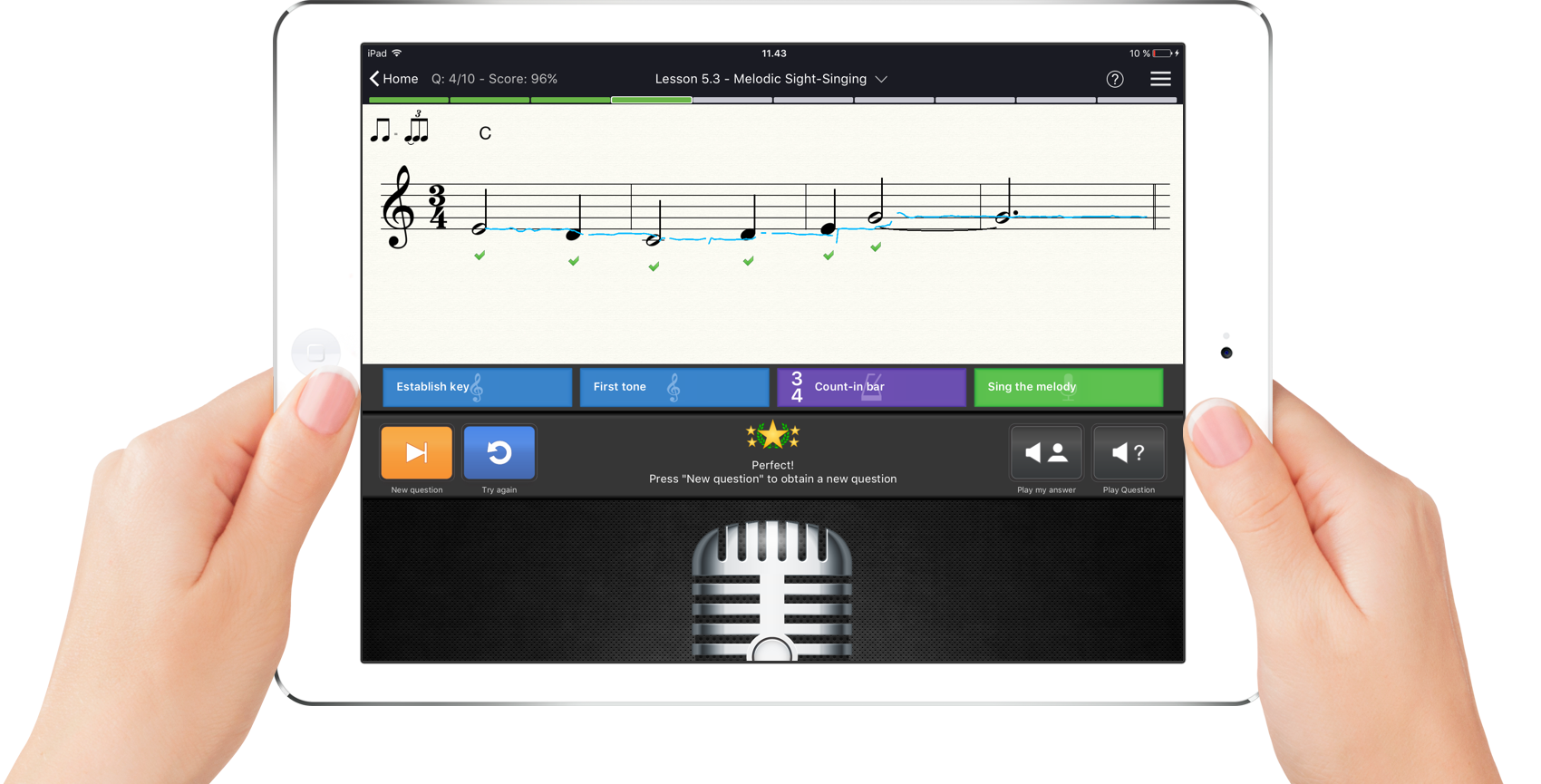
While you are singing or playing your answer, EarMaster draws a curve on the notes to illustrate your performance and show the pitch and rhythmic accuracy of your performance in real-time.
System Requirements
Windows
Windows 7 or newer
Minimum screen resolution 1024x768
Soundcard with speakers
Internet connection
Mac
Mac OS 10.12 or newer
Minimum screen resolution 1024x768
Soundcard with speakers
Internet connection
iOS
iOS 10 or newer on iPhone or iPad
Internet connection
Android
Android 7 Nougat or newer on phone or tablet
Internet connection
Chromebook
Chromebook produced after 2016
Minimum screen resolution 1024x768
Google Play app to install Android version of EarMaster
Internet connection
Optional accessories
Microphone
MIDI Controller (keyboard, percussion pad, etc.)
Headphones (necessary when using a microphone)
EarMaster licenses
There is only one EarMaster app that can be acquired in multiple ways. Each license unlocks a different set of features and platforms. The comparison chart below lists which features and platforms each license type unlocks.
* As Android app and on supported Chromebooks.
| FREE LICENSE | PAID LICENSES | ||||
|---|---|---|---|---|---|
| EarMaster Free version | Perpetual licenses for computers |
In-app purchases on iOS, Android and Mac | Personal subscription | School Licenses | |
| Who is it for? | Individuals | Individuals | Individuals | Individuals | Educational institutions, private teachers, choirs, etc. |
| Included platforms | iOS Android Windows Mac Chromebook* |
Windows Mac |
Either iOS, Android, Chromebook* or Mac | iOS Android Windows Mac Chromebook* |
Students: iOS Android Windows Mac Chromebook* Teachers: Windows Mac |
| Cloud sync of settings and results | |||||
| Beginner's Course | 4 modules | (with EarMaster Pro license) | Available as in-app purchase | ||
| 14 General Workshops | (with EarMaster Pro license) | Available as in-app purchase | |||
| 9 Jazz workshops | (with EarMaster Pro license) | Available as in-app purchase | |||
| 14 Customized Exercises | Included: Interval Identification Chord Identification |
(with EarMaster Pro license) | Available as in-app purchase | ||
| Vocal Trainer | Paid add-on | (paid add-on) | Available as in-app purchase | ||
| Aural Trainer for ABRSM | Paid add-on | (paid add-on) | Available as in-app purchase | ||
| RCM Voice | Paid add-on | (paid add-on) | Available as in-app purchase | ||
| Call of the Notes | |||||
| Teacher version with workbook editor, assignments, student results | |||||
| Voice input | |||||
| MIDI Input | |||||
| Detailed statistics & results | |||||
| Updates and bug fixes | |||||
| Major version upgrades | -- | Paid | -- | ||
| Email support | |||||
| Pricing | Free forever |
$ 1.99-$ 2.99 per in-app purchase. Discounted bundles available. |
Auto-renewing personal subscription: 1-year access code: |
Annual license with auto-renewal: Other options: |
|